21/10/2026 00:42
Which Presser Foot Fits? YouTube Info Cards for Cambodian Sewing-Machine Shops
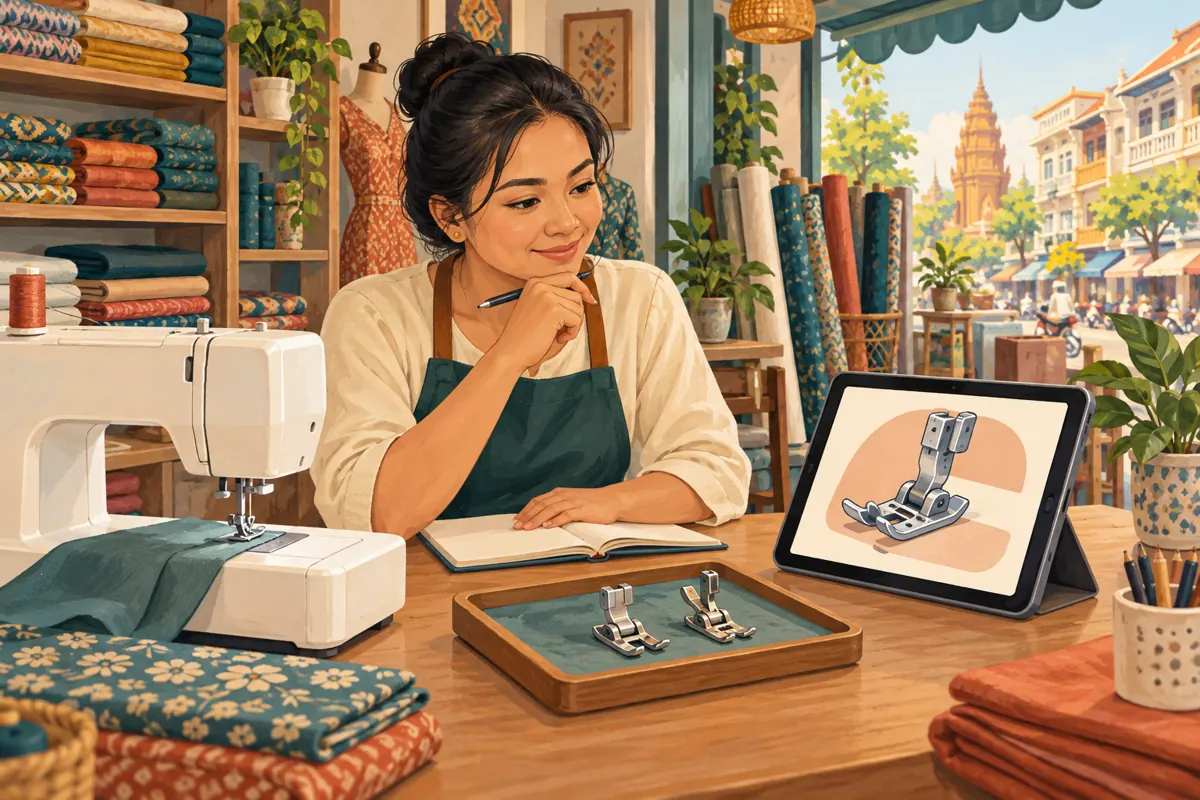
A sewing demonstration can show a beautiful seam while leaving a buyer’s main question unanswered: will that presser foot fit my machine? For a Cambodian shop promoting accessories through YouTube, this uncertainty deserves a clear route to more information. An info card can offer a relevant supporting video during the demonstration. The useful work happens before adding it: choosing the right guide, explaining its limits and deciding when viewers need it. This workflow uses a hypothetical sewing-machine shop to show how to build that route, check it with colleagues and evaluate genuine enquiries without confusing SMM-panel activity with customer understanding.
1. Start with the question that interrupts the demonstration
Imagine a hypothetical shop in Phnom Penh preparing a Khmer-language video about sewing a zipper into a fabric pouch. The presenter introduces a zipper foot, then moves directly into stitching. Someone watching with a different machine may stop following at that moment. They need to identify the attachment before the sewing technique becomes useful. Sending them to a general sales video would leave the original uncertainty unresolved.
Write the interruption as one sentence: “I can see what this accessory does, but how do I check whether it suits my machine?” Use that sentence to select the supporting guide. Ask counter staff which details they normally request before discussing compatibility. Their answers might include the model designation and a clear attachment-area photograph. Keep this planning grounded in actual shop practice rather than assuming every viewer needs the same explanation. The card should address a recognizable information gap.
2. Decide whether a separate guide earns the extra step
A separate video is useful when the answer needs close-up views or distinctions that would overwhelm the main demonstration. If one short sentence resolves the issue, put that sentence in the main video instead. Sending viewers elsewhere creates work for them. The destination should offer enough additional value to justify leaving the current lesson.
For the hypothetical pouch demonstration, a supporting guide could explain how to find the machine’s model designation and photograph the existing attachment for a shop enquiry. It should clearly state which equipment appears on screen and where its explanation stops. Avoid presenting visual similarity as proof of compatibility. Any actual fitting instructions should follow the relevant manufacturer’s guidance. If the shop has no reliable supporting guide, finish that resource first. A loosely related destination is not an improvement simply because it gives the editor something to attach.
3. Prepare the destination before configuring the card
Watch the proposed destination from beginning to end. Check whether its opening delivers the information promised by its title. A guide called “Identify your presser-foot attachment” should begin with identification, not several minutes of product promotion. Show the relevant area clearly, explain unfamiliar terms and distinguish an example machine from a universal rule. Keep stock announcements out of an educational title unless availability is genuinely the subject.
For Cambodian customers who prefer Khmer, record the explanation in the language the shop actually uses with them. Preserve genuine manufacturer names and model codes accurately. Ask a colleague to describe the guide’s main point after watching once. If they cannot explain what information a buyer should provide next, revise the ending. A useful destination leaves the viewer with a specific action, such as sending the model designation through the shop’s stated enquiry channel, without implying that a purchase has already been approved.
4. Add the card using the documented YouTube workflow
YouTube Help describes this desktop sequence: open YouTube Studio, select Content, choose the source video, open Editor and select Info cards. Choose a video card, select the public supporting video, adjust the start time, add an optional message or teaser and save. YouTube allows up to five cards per video, but this example needs only one. Cards are unavailable on videos designated as made for kids. Keep audience settings accurate.
Prepare the source title, destination title and intended moment in a short editorial note before opening the editor. This reduces the chance of selecting a similarly named upload. After saving, compare the chosen destination against that note. For this workflow, use a video card rather than planning around a shop website link: YouTube’s external-link card option requires membership in the YouTube Partner Program. The official setup reference is listed in the sources.
5. Place the invitation at a natural decision point
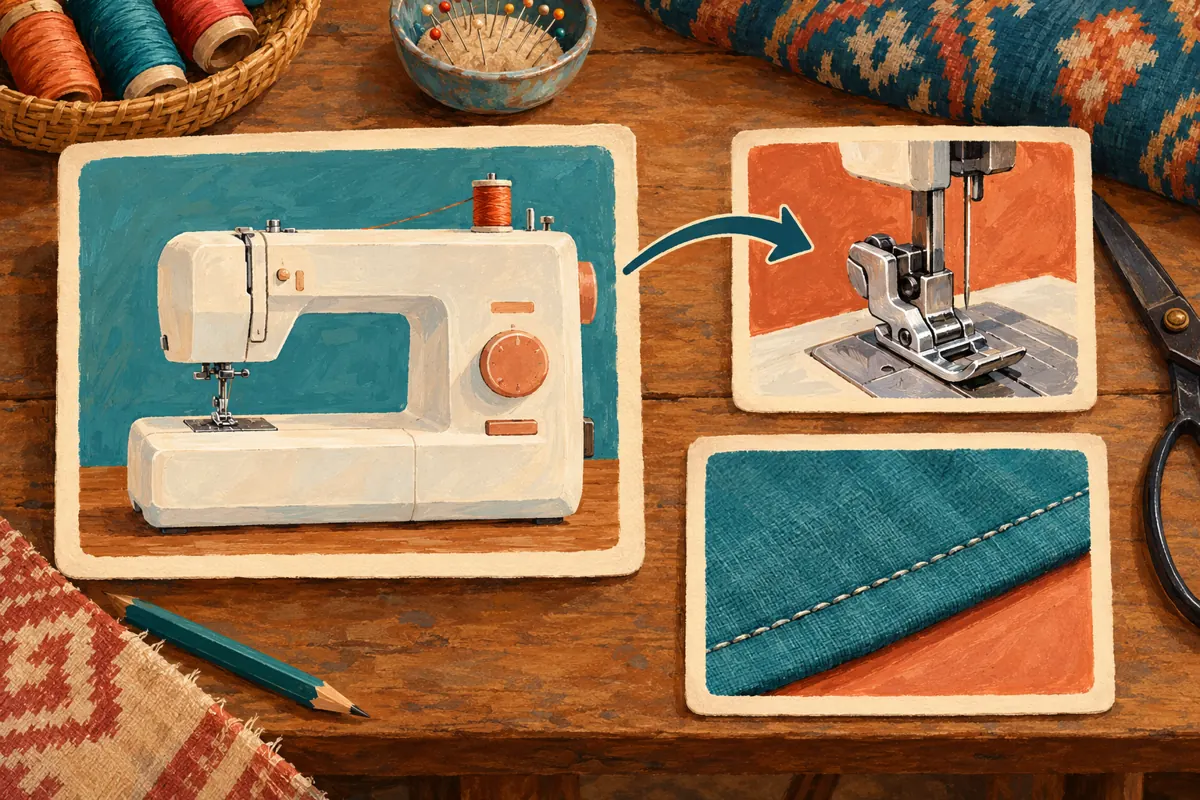
In the hypothetical demonstration, the best candidate moment is just after the presenter identifies the accessory and explains its purpose. Viewers now understand why the part matters, but the detailed sewing action has not started. A brief spoken invitation can explain that a separate identification guide is available for anyone unsure about their own machine. Viewers who already know their equipment can continue with the main lesson.
Avoid introducing the invitation during a close-up that viewers need to follow carefully. Also avoid promising that the linked video confirms every machine’s compatibility. A plain phrase such as “Check your attachment type” describes the task more accurately than “Find your perfect fit.” Read the invitation aloud alongside the footage. If it competes with an essential explanation, move it. Timing should follow the viewer’s question, not a habit of putting every promotional element near the beginning.
6. Test the route with someone who did not edit it
Give a colleague a simple task: watch the pouch demonstration and find the guide for identifying their machine attachment. Do not tell them exactly when to look. Observe whether the spoken invitation makes sense, whether the destination matches their expectation and whether the guide answers the question they formed. This is a usability check, not evidence of market demand or a forecast of sales.
Repeat the practical check on a phone and a computer that the team normally uses. Record what was tested rather than assuming the experience is identical everywhere. Keep the main demonstration understandable even when someone misses the invitation. Include the supporting guide’s recognizable title in an appropriate accompanying reference so staff can help a viewer find it manually. A colleague should also check the destination’s language, picture clarity and current contact instructions. Fix confusing wording before spending effort distributing the source video.
7. Keep the SMM-panel decision separate from navigation
The supplied catalogue includes the exact listing “YouTube Like ~ Max 100k ~ 50k/days ~ Instant ~ 𝐍𝐎 𝗥𝗘𝗙𝗜𝗟𝗟”. Its name identifies a likes offering, but the brief supplies no description establishing how delivery works. Treat the embedded speed and quantity wording as catalogue claims, not verified performance. Nothing in that listing establishes card use, comprehension, Cambodian audience origin, advertising delivery or buying intent.
YouTube’s fake engagement policy prohibits artificial increases in engagement and warns that a hired promoter’s actions can affect the channel. Do not purchase artificial engagement or place promotional links to metric-inflation services in the video. A panel listing is not official platform authorization. For this project, the defensible promotion work is improving the explanation, sharing it with relevant audiences where welcome and responding to real questions. Purchased engagement cannot demonstrate that customers followed the card or understood which accessory they need.
8. Promote the question and prepare the enquiry handoff
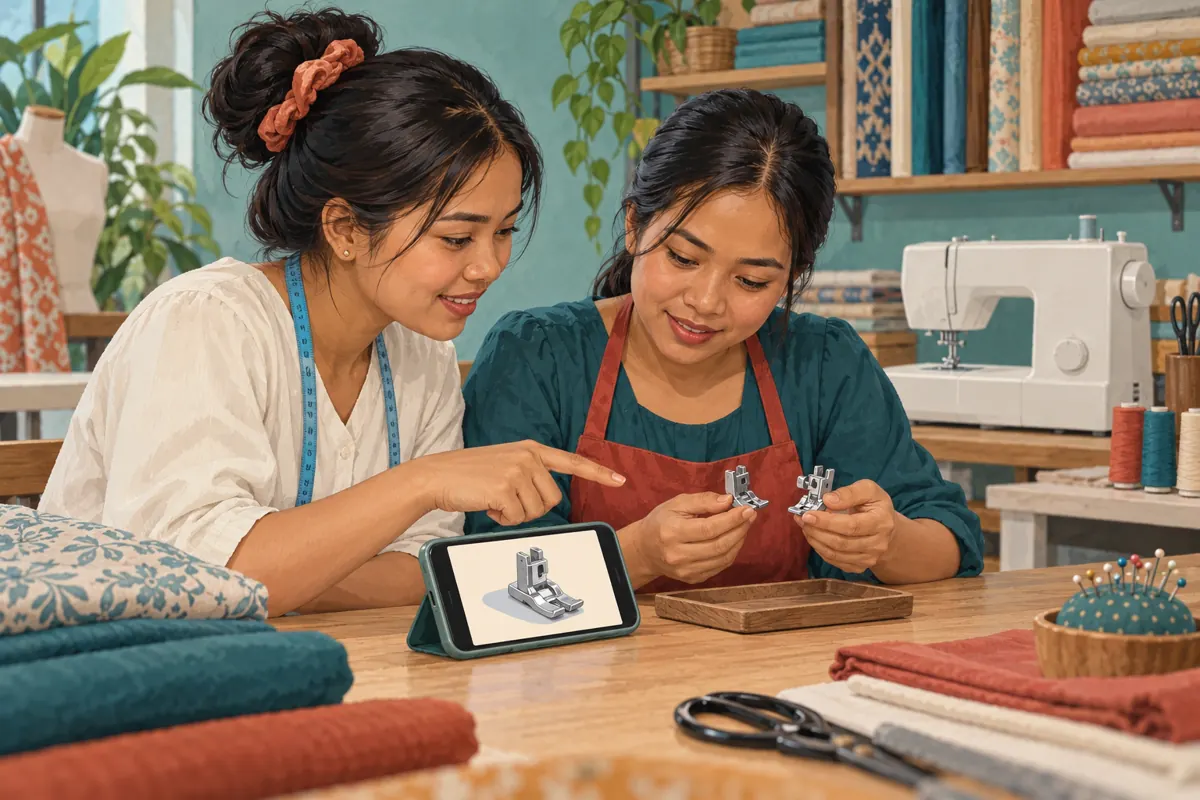
When sharing the demonstration, describe the problem it helps solve. For example, a hypothetical shop announcement could explain that the video shows a zipper technique and offers a separate guide for identifying the machine attachment. That description gives potential viewers a reason to watch without claiming that the accessory fits every machine. Use a still image that represents the demonstrated equipment rather than an unrelated product with a more attractive appearance.
Prepare staff for the enquiries the guide invites. Decide who will review model information, what additional photographs may be needed and how uncertainty will be communicated. A buyer who sends a machine photograph has started an enquiry; they have not automatically reserved a part. Keep compatibility review, stock confirmation and any purchase agreement distinct. This makes the social content useful at the counter as well as online, especially when different staff members handle filming, messages and sales.
9. Review evidence without inventing a conversion story
Keep a modest enquiry log using information customers voluntarily provide. Record the question, whether the machine information was sufficient and what clarification staff needed. If a customer says they watched the fitting guide, note that as their statement. Do not assume every person who contacts the shop arrived through the card. Someone may have received the video directly from a friend or found the guide independently.
Review recurring misunderstandings before making broader claims. If customers repeatedly send a full-machine photograph when staff need a particular detail, improve the guide’s example. If they assume the demonstrated accessory is included with a machine purchase, clarify the offer. These observations can justify an editorial change without a large dataset. Report platform activity, customer statements and confirmed transactions separately. Even a genuine increase in enquiries does not by itself establish that the card caused it; other promotion, stock changes or seasonal demand may also matter.
10. Avoid common mistakes and maintain the route
Common mistakes include linking to a broad product showcase, filling every available card slot, using an exaggerated teaser and leaving an outdated guide attached after the shop changes its advice. Another mistake is making the supporting video the only place where an essential limitation appears. If the source demonstration concerns one machine and accessory combination, state that scope in the source video itself. Viewers should not need to follow a link to discover a major qualification.
Assign one person to review the route whenever the source video, destination guide or relevant product information changes. Keep a short record of the source, destination, invitation wording and reason for the connection. If the destination becomes unsuitable, remove or replace the card and check the revised route. Treat this as maintenance of customer information. The strongest result is a viewer who understands the next step and can ask a more useful question, whether or not they buy immediately.
Frequently asked questions
Should the card link to a fitting guide or a product sales video?
Choose the destination that answers the question raised at that moment. If viewers need to identify their machine attachment, an identification guide is usually the more useful editorial choice. A sales video can be appropriate when the question concerns the offer, but it should not replace missing compatibility information.
What if the shop has only one useful supporting video?
One focused destination is enough. There is no editorial benefit in adding unrelated choices just to make the video look more elaborate. Improve that guide’s clarity and keep its references current. Add another destination only when it answers a different, recurring question that the main demonstration genuinely raises.
Can a card confirm that a presser foot fits a customer’s machine?
The card only directs viewers to information. Compatibility still needs reliable model-specific guidance and whatever checks the shop normally performs. Explain what the guide can establish and when staff must review further details. Do not treat a matching appearance, a video view or a customer’s enthusiasm as technical confirmation.
Should an English article mean the shop must make English videos?
No. The article’s language does not determine the audience’s needs. A Cambodian shop can use Khmer narration and locally familiar explanations while preserving accurate brand and model names. Choose the video language from customer communication needs, then check the invitation and destination together for consistency.
What is a useful first review after sharing the demonstration?
Read the actual questions staff received and compare them with the guide’s intended next step. Look for missing model details, misunderstood scope or unclear contact instructions. Revise the specific passage responsible for confusion. This produces a practical improvement without claiming that view totals or purchased likes measure understanding.
Explore the current service catalogue, create an account, or ask a specific question through support tickets.
Prepared with AI assistance. Illustrations explain the workflow and do not represent customer results.