22/10/2026 10:15
Opened the Chat or Sent an Enquiry? Telegram Business Links for Cambodian Mosquito-Screen Shops

A mosquito-screen demonstration can answer how a frame fits into a window while leaving buyers unsure what to say next. Someone considering a new screen needs different help from someone replacing torn mesh. Sending both visitors into a blank conversation creates another small obstacle between useful social content and a practical enquiry. Telegram Business chat links offer a way to suggest an opening message. For Cambodian shops promoting their work through social posts, the useful question is whether that suggested message helps staff understand the request. A rising link counter alone cannot answer it. This guide uses a hypothetical mosquito-screen shop to build, test and review that journey before considering any SMM-panel service.
1. Choose the question the link should help someone ask
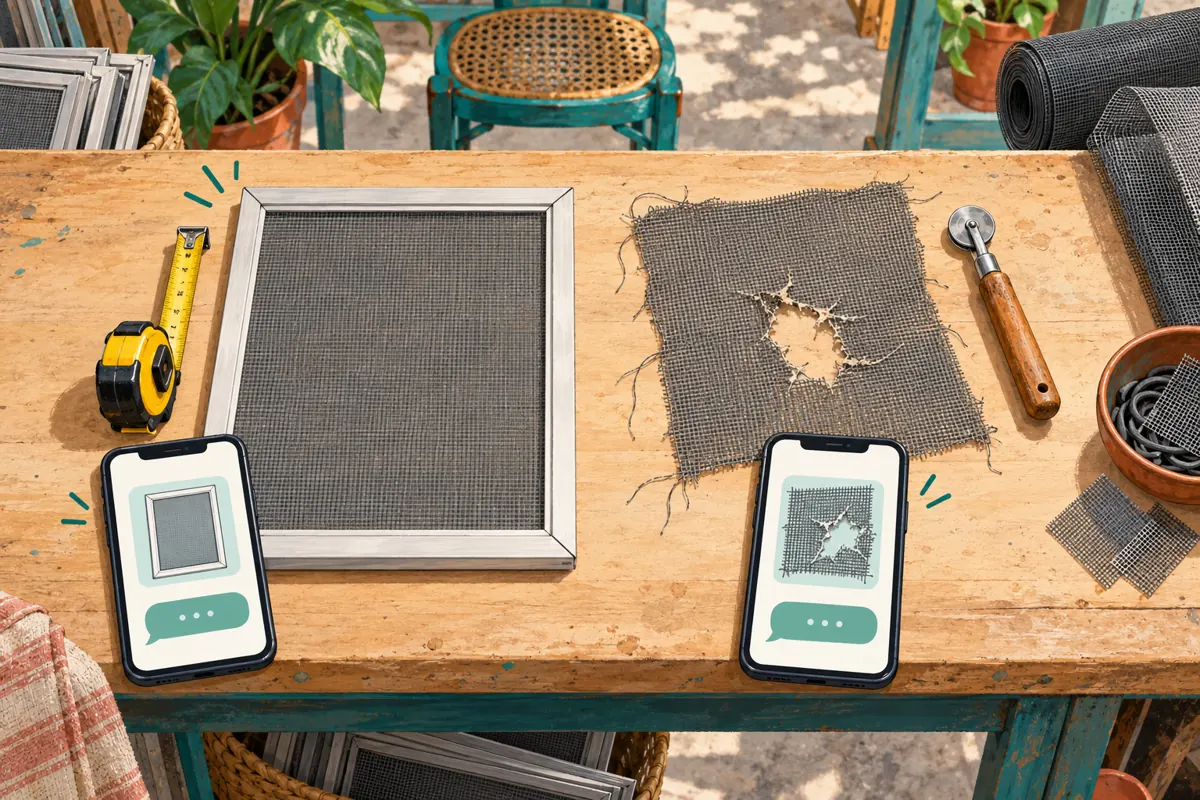
In this hypothetical example, a Phnom Penh workshop makes removable window screens and replaces mesh in suitable existing frames. Its promotional video shows a complete new screen, but its caption also mentions repairs. Staff receive vague messages such as “How much?” and must first discover which service the person means.
Start with two enquiry purposes: asking about a new frame and checking whether an existing frame can be repaired. Each deserves a short opening message. Do not divide links by every mesh colour or window shape before the team has a reason to do so. The initial goal is to remove one important ambiguity.
Decide who answers each enquiry and what information they need next. If nobody can assess repair photographs during the advertised response period, improve that arrangement before promoting the repair link.
2. Understand what Telegram actually prepares
Telegram describes Business chat links as links that open a conversation with the business and place a suggested message in the input field. That draft is not an automatically submitted enquiry. The visitor still needs to send a message before staff have a request to handle.
Telegram’s official Business documentation currently lists these features as included with Premium. Check Settings > Telegram Business in the account that will receive enquiries and confirm availability before designing promotional material around the feature. Use the app’s business-link controls; this workflow does not require building a bot.
Keep the surrounding invitation accurate. “Open Telegram to ask about mesh replacement” describes the next step. “Confirm your repair” suggests a commitment the link itself cannot establish. A customer must still discuss the frame, agree to the work and receive whatever confirmation the shop normally provides.
3. Write a draft that sounds like a buyer
For the hypothetical new-screen link, a suitable English draft is: “Hello, I would like to ask about a new mosquito screen for my window. What should I measure?” For repairs: “Hello, I have a screen with damaged mesh. Can I send a photo to check whether you can repair it?” These are example scripts, not messages from actual customers.
Keep the first message easy to understand and send. Avoid a long questionnaire requesting dimensions, frame material, quantity, delivery address and installation date all at once. A person who does not know those details should still be able to begin the conversation.
For a Khmer-language promotion, have a fluent staff member prepare and review the corresponding Khmer draft. Check that it preserves the distinction between a complete frame and mesh replacement. Match the language of the invitation rather than assuming every Cambodian buyer prefers the same language.
4. Give each link a clear internal identity
Telegram’s link data includes an optional management title visible to the link creator. Use a name that helps staff recognise the purpose, such as “New frame — demonstration post” or “Mesh repair — repair guide.” Keep customer-facing wording in the suggested message itself.
Maintain a small reference list containing the internal name, exact copied link, draft wording, placement and responsible staff member. Record when you checked it. This provides enough context to find the right link later without turning routine promotion into an elaborate reporting project.
Create separate links when the distinction supports a decision. Separate new-frame and repair links clarify intent. Separate links for a demonstration post and a website button may help compare placements. However, reusing one link across several placements means its activity cannot distinguish those placements.

5. Match the promotional scene to the opening message
A post showing someone lifting out a complete screen should explain whether the workshop supplies the frame, mesh or both. Place the new-frame enquiry invitation beside that explanation. A close-up of torn mesh should lead to the repair question, with any relevant limits stated in the post.
For the hypothetical shop, an appropriate invitation is: “Considering a new removable screen? Open our Telegram chat to ask which measurements we need.” A repair post might say: “Already have a frame? Ask whether we can assess it for mesh replacement.” Neither wording promises compatibility before inspection.
Avoid presenting every contact route with equal emphasis in one small caption. Select the enquiry most relevant to the demonstrated product. If both services must appear, label them separately so a buyer can choose without guessing which link belongs to which offer.
6. Test the complete journey before sharing widely
Ask a colleague to open the copied link from the actual draft placement using their own Telegram account. Confirm the receiving business, the suggested wording and the product context. Then have them edit the draft and send a clearly identified test message. Staff should verify that the received message is understandable without additional explanation from the tester.
Repeat the check for the other enquiry purpose. Similar-looking links are easy to exchange accidentally when preparing several captions. The repair post should not open a draft asking about a new frame simply because the wrong row was copied.
Also check the published invitation on a small phone screen. If a caption becomes shortened in its placement, make sure the visible portion still explains the destination. Note internal tests in your activity record because opening links during checks can affect the counters you later review.
7. Prepare the first useful human response
A good opening draft only helps if staff continue the same conversation. For a new-frame enquiry, explain how to photograph the window and which measurement the workshop needs. Distinguish an approximate size used for an initial discussion from dimensions accepted for production.
For a repair enquiry, request an overview of the existing frame and a closer photograph of the damaged area. Ask the customer to keep unrelated people, documents and household details outside the photograph where practical. Do not request a full residential address merely to decide whether the frame looks repairable.
Use a clear stopping point: “We can discuss likely options after reviewing the photos; final suitability depends on checking the frame.” Adapt that wording to the shop’s actual process. Avoid treating a prefilled enquiry as consent to charge, manufacture, collect or install anything.
8. Interpret link activity without inventing a sales story
Telegram defines the link counter as the number of times a Business chat link was resolved, including clicks or scans. It is not described as a count of unique buyers. Repeated opening and staff testing can therefore complicate interpretation.
Keep three observations separate: recorded link activity, relevant messages actually received, and orders confirmed through the shop’s normal process. A person can open a chat without sending anything. Another can send a message but decide that the product does not fit their window.
If activity rises while useful enquiries remain scarce, investigate the invitation, draft wording and product explanation. Do not immediately conclude that the audience is unsuitable or that staff are failing. Review actual conversations for recurring confusion, and change one part of the journey at a time so the next review has a clear purpose.
9. Check the SMM service target before spending
The supplied public catalogue includes the exact service name “Telegram Ads Click - [For Bot]”. Its description is empty. The name identifies a bot-related click offering, but it does not establish support for Telegram Business chat links, a particular delivery method, audience location or an official advertising relationship.
A chat link for the workshop’s business account should therefore not be submitted merely because the catalogue title contains “Telegram” and “Click”. Ask for documented supported inputs and the precise action being supplied. If compatibility remains unclear, leave that service out of this workflow.
Purchased engagement is not evidence of genuine interest, sales, ad delivery or Cambodian users. Even a service delivery record cannot demonstrate that someone understood the screen offer or contacted the workshop. Keep any panel expense and reported delivery separate from the shop’s enquiry records, and never present purchased activity as customer endorsement.
10. Fix common mistakes and maintain active links
The most disruptive mistake is a misleading draft: a repair invitation opens a new-installation request, or an enquiry reads like a confirmed booking. Correct the mismatch and retest the placement. Another common problem is excessive detail. Remove questions that staff can ask naturally after learning the buyer’s main need.
Telegram documents editing and deleting Business chat links. Before changing a draft, review where the link is already shared. Reusing an established repair link for a different offer can make older posts confusing. A fresh link is often easier to manage when the purpose changes substantially.
Set a review point when product availability, service coverage or staff responsibility changes. Check whether the post still promises something the workshop provides. If a service ends, update the invitation and replace or retire its link through the normal account controls. Preserve enough internal context to explain older records without retaining unnecessary customer details.

Frequently asked questions
Does opening the link send the suggested message automatically?
No. The feature prepares text in the message input field. The visitor can review or change it and must send a message to make an enquiry. Staff should act on messages they actually receive, rather than treating a link-counter increase as a request for a quotation or appointment.
Should every social post have a different Business chat link?
Only if the distinction helps a practical review. A small shop can begin with separate new-screen and repair links. Add placement-specific links when staff need to compare those placements and can maintain the records. Forwarded links can travel beyond their original post, so placement labels still do not prove where every visitor first discovered the business.
What if buyers erase the suggested message?
Handle their actual question normally. The draft is a convenience, not a required form. If the message lacks context, ask whether they need a new frame or mesh replacement. Repeated deletion or rewriting may suggest the draft sounds unnatural or asks the wrong question; review it alongside the promotional wording.
Can the link counter identify Cambodian customers?
The documented counter records link resolutions, not verified Cambodian buyers. It does not establish a visitor’s location, buying intention or order status. Ask about the relevant service area during the conversation when needed, and base business decisions on information customers provide and enquiries staff can actually assess.
What should the shop do if Business chat links are unavailable?
Use the shop’s existing public contact route and place a simple opening instruction beside it, such as asking visitors to mention new screens or repairs. Test that route before sharing. Do not describe it as providing a prefilled draft unless you have verified that behaviour, and do not buy an unrelated panel service as a substitute for the missing feature.
Explore the current service catalogue, create an account, or ask a specific question through support tickets.
- Telegram: Introducing Telegram Business
- Telegram API: Business chat links and subscription requirements
- Telegram API: businessChatLink fields and view counter
Prepared with AI assistance. Illustrations explain the workflow and do not represent customer results.